
Restaurant Online Ordering System: A 2026 Owner's Guide
Restaurant online ordering system explained: third-party vs commission-free, the real cost of DoorDash fees, key features to look for, and how to own it.
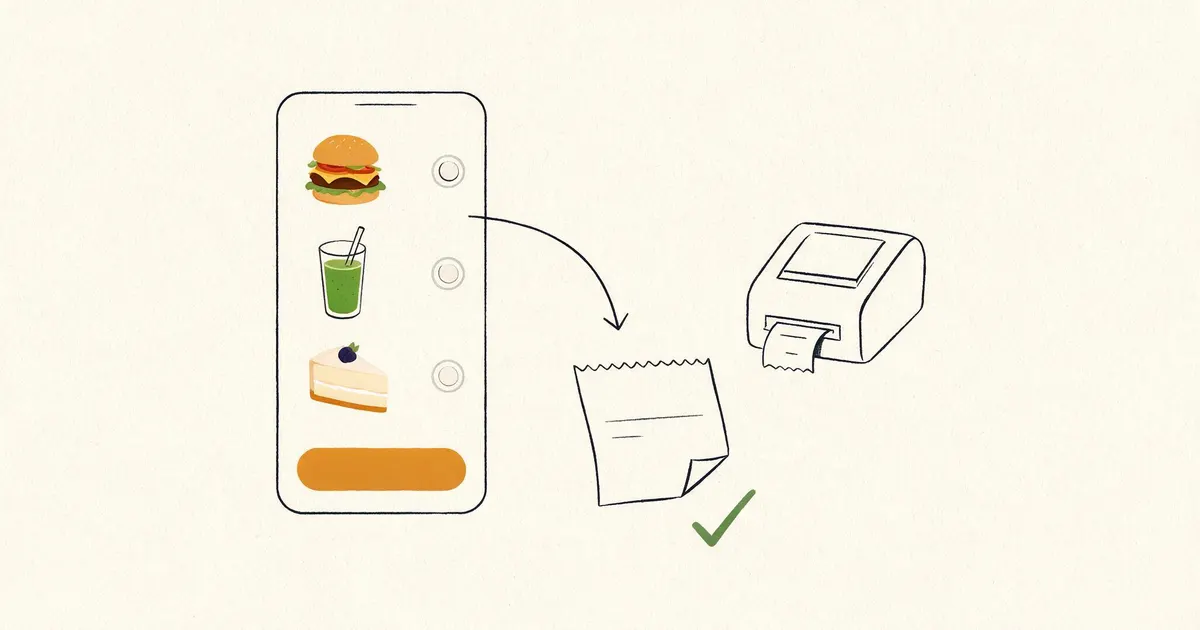
- A restaurant online ordering system lets customers order and pay online for pickup or delivery, then routes the order to your kitchen. It comes in three shapes: third-party marketplaces, standalone apps, and native ordering on your own site.
- The real question is commission. DoorDash and Grubhub take 15% to 30% of every order and keep the customer, while ordering on your own site keeps both the margin and the relationship.
- WordPress with WooCommerce plus an ordering plugin is the most flexible, lowest-commission route, and it belongs to you.
- Use marketplaces for discovery, then drive your regulars to commission-free ordering you own.
What is a restaurant online ordering system?
A restaurant online ordering system is the software that lets customers browse your menu, customize items, and pay for pickup or delivery online, then routes that order to your kitchen. It's the digital front counter, and how you set it up decides how much of each order you actually keep.
Every system does the same core job, but they differ in one thing that matters more than any feature: who owns the customer and how much you pay per order. A third-party marketplace handles everything but takes a commission and keeps the diner as its customer, not yours. A system on your own website does the same work while keeping the margin and the relationship in your hands. That single distinction is the whole story of restaurant ordering in 2026, and it's why so many owners are rethinking how they take orders. It's also central to how we build a restaurant website.
Why owning your ordering system matters
Because marketplace commissions of 15% to 30% come straight off your margin, and they keep the customer data you need to bring diners back. On thin restaurant margins, that commission is often the difference between a profitable order and a break-even one.
Run the math on a busy month. A restaurant doing $30,000 in delivery orders through a marketplace at 25% hands over $7,500, every month, forever. The same volume through commission-free ordering on your own site costs only standard payment processing, a fraction of that. Beyond the money, marketplaces keep the customer: you don't get the email, the order history, or the ability to market a Tuesday special to the person who ordered last Friday. Owning the channel means you own the data and the relationship, which is the real long-term asset. Marketplaces are rented reach, while your own ordering is owned infrastructure. There's a competitive angle too. When a regular orders through DoorDash, that app shows them three other restaurants next to your menu, so you're paying a commission to be listed beside your competitors. On your own ordering page, there's no competition on the screen and no upsell to the place down the street. The customer came for you, and nothing pulls them away mid-order. Over a year of repeat business, that focus is worth as much as the commission you save.
The three types of ordering systems
Restaurant ordering comes in three models: third-party marketplaces, standalone ordering platforms, and native ordering built into your own site. Most restaurants end up using a mix, and knowing the tradeoffs helps you weight them right.
- Third-party marketplaces (DoorDash, Grubhub, Uber Eats). Great for discovery and delivery logistics, but 15% to 30% commission per order and they own the customer.
- Standalone ordering platforms (Toast, ChowNow, and similar). A monthly fee plus smaller per-order costs, embedded on your site, with more of the relationship kept than a marketplace.
- Native ordering on your own site. Built into your website with WooCommerce or a dedicated plugin. Highest setup effort, lowest ongoing commission, and you own everything.
These aren't mutually exclusive, and the best setups blend them on purpose. A marketplace listing does the job of a billboard, putting you in front of hungry people who've never heard of you, while your own ordering page does the job of a cash register you fully control. The mistake owners make is treating a marketplace as their whole ordering strategy and never building the owned channel, so every order, new or repeat, carries a commission for life. Think of the three models as a funnel: marketplaces at the top for discovery, standalone platforms as a middle step if you're not ready to build, and native ordering as the destination you move loyal customers toward.
Features a good ordering system needs
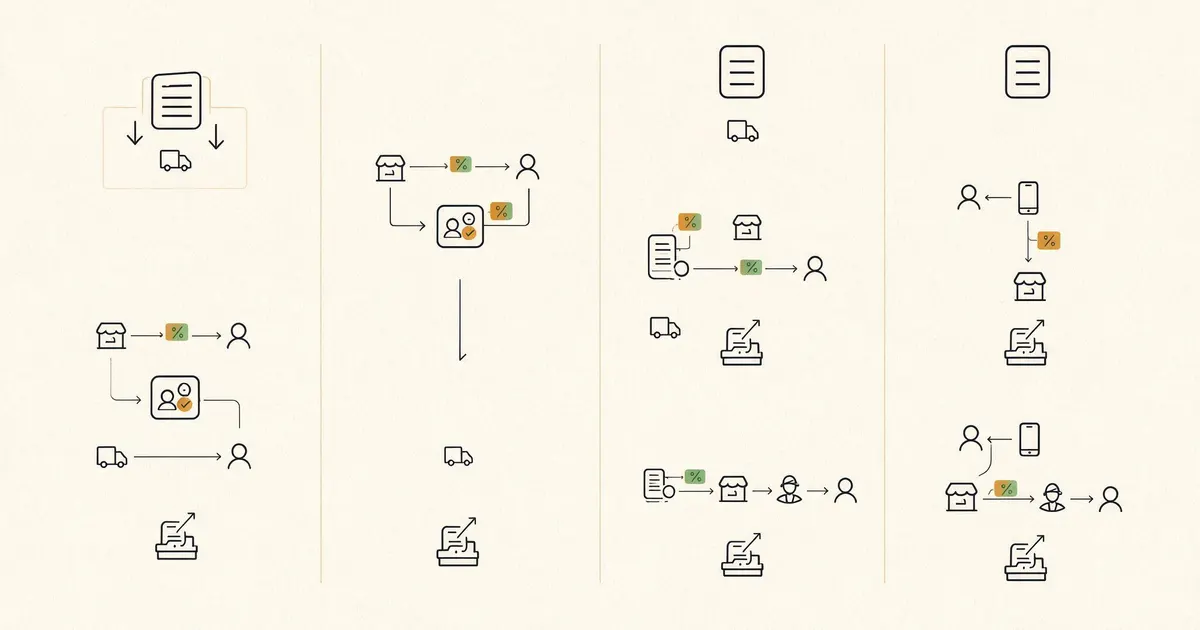
The essentials are a clean mobile menu, pickup and delivery scheduling, fast checkout with saved cards, and reliable order routing to the kitchen. Everything else is a bonus layered on top of those four.
- A mobile-first menu with photos and modifiers, because most food orders come from a phone and a clumsy menu loses orders.
- Pickup and delivery scheduling with real prep times, so the kitchen isn't buried and customers aren't left waiting.
- Fast checkout with saved cards and guest ordering through Stripe or Square, since every extra tap drops conversions.
- Reliable order routing to a kitchen display or printer, plus customer accounts, reorder, promos, and clear reporting.
One feature quietly separates a system that grows your business from one that just takes orders: customer data you can actually use. A good owned system captures the email and order history, so you can send a slow-Tuesday promo or a win-back offer to someone who hasn't ordered in a month. A marketplace holds all of that and hands you none of it. When you're comparing options, weigh the marketing tools as heavily as the checkout, because the reorder you prompt is often cheaper to win than the new customer you chase.
What does a restaurant online ordering system cost?
Marketplaces cost nothing upfront but 15% to 30% per order, standalone platforms run $50 to $200 a month plus per-order fees, and native ordering costs more to build but carries little or no commission. The right lens isn't the sticker price, it's the total over a year at your real volume.
A marketplace feels free because there's no monthly bill, but at steady volume the commission dwarfs any subscription. Native ordering flips that: a higher one-time build cost, usually bundled into the site, then only standard payment-processing fees per order. For a restaurant doing meaningful online volume, owned ordering pays for itself in months and saves thousands after that. If you want the full picture of what a build like this runs, our WordPress website cost guide breaks down every line item, and ordering is one of the integrations that moves the number.
Tired of handing 25% to DoorDash?
Free 45-minute call. We'll look at your order volume and show you what commission-free ordering on your own site would save you. No pitch.
Building ordering into your own website
The commission-free route is WordPress with WooCommerce plus a restaurant ordering plugin, handling menus, modifiers, scheduling, and payment through Stripe or Square. It takes more setup than a third-party widget, but you end up owning the whole system.
On this stack, your menu becomes a fast, branded ordering flow that lives on your own domain. Customers order without leaving your site, you pay only standard processing fees, and every order, email, and reorder stays yours to use. It also keeps ordering consistent with the rest of your site's design and speed, which matters when a slow or off-brand ordering page is the last thing a hungry customer sees. This is exactly what our WooCommerce development covers, and it pairs naturally with the local SEO that brings hungry searchers to your site in the first place.
How to choose the right system
Match the model to your volume: lean on marketplaces for discovery early, then move your regulars to commission-free ordering you own as volume grows. The decision isn't all-or-nothing, and the smart play shifts as you scale.
A new spot with little foot traffic benefits from the reach a marketplace brings, even at a steep commission, because it buys discovery you couldn't get otherwise. But once you have a base of repeat customers, paying 25% to reach people who already love you makes little sense. That's the moment to invest in owned ordering and start steering regulars there with a link on your receipts, your social profiles, and your website. Keep the marketplaces for what they're good at, new-customer discovery, and stop renting access to the diners you've already earned. Handled that way, ordering becomes an asset you build instead of a fee you pay.
Frequently asked questions about restaurant online ordering systems
What is a restaurant online ordering system?
A restaurant online ordering system is the software that lets customers browse your menu, customize items, and pay for pickup or delivery online, then routes that order to your kitchen. It comes in three broad shapes: third-party marketplaces like DoorDash and Grubhub, standalone ordering apps you embed, and native ordering built directly into your own website. The big difference between them is who owns the customer and how much commission you pay. A system on your own site keeps both, while a marketplace takes a cut of every order and keeps the customer relationship.
How much do restaurant online ordering systems cost?
It depends on the model. Third-party marketplaces like DoorDash and Grubhub charge no upfront fee but take 15% to 30% commission on every order, which adds up fast. Standalone ordering platforms typically run $50 to $200 a month plus small per-order fees. Ordering built into your own website costs more upfront, often bundled into the site build, but carries little or no per-order commission, so it pays for itself once volume is steady. Over a year, a busy restaurant usually saves thousands by owning its ordering instead of renting it.
Is it better to use DoorDash or your own online ordering system?
Both have a place. DoorDash and similar marketplaces bring discovery, new customers who would never have found you, which is worth the commission early on. But for repeat customers who already know you, paying 15% to 30% on every order is pure margin lost. The strongest approach is to use marketplaces for reach and drive your regulars to commission-free ordering on your own site. Owning the ordering channel means you keep the customer data, the margin, and the ability to market to them directly, none of which a marketplace gives you.
Can I add online ordering to my WordPress website?
Yes. WordPress with WooCommerce, plus a restaurant-focused ordering plugin, handles menus, modifiers, pickup and delivery windows, and payment through Stripe or Square. It's the most flexible and lowest-commission route, because you own the whole system and pay only standard payment-processing fees rather than a marketplace cut. The build takes more setup than flipping on a third-party widget, but the result is an ordering system that belongs to you, matches your brand, and keeps every customer relationship in your hands.
What features should a restaurant online ordering system have?
At minimum: a clean mobile menu with photos and modifiers, pickup and delivery scheduling, a fast checkout with saved cards, and reliable order routing to the kitchen or a printer. Beyond that, look for customer accounts and reorder, promo codes and loyalty, tax and tip handling, and clear reporting. Mobile matters most, since the large majority of food orders come from phones, so a slow or clumsy mobile flow costs you real orders. The system should feel effortless to the customer and give you the data and control you'd want as the owner.
Upcoming Brand | Restaurant websites for Maryland and US-wide remote clients
We build restaurant websites with commission-free online ordering for businesses across Baltimore, Annapolis, Frederick, Rockville, and the US, delivered remotely via Zoom and async updates. Every build keeps your menu, ordering, and customer data on your own site, from a fixed-scope quote. Book a free discovery call or email hello@upcomingbrand.com.
Own your ordering, keep your margin
Restaurant websites with commission-free ordering built in: your menu, your customers, your data, on a site that loads fast and ranks locally.