
Website Redesign SEO: The Checklist to Keep Rankings
Website redesign SEO done right: the full checklist to redesign without losing rankings, from redirect maps and content audits to launch day and after.
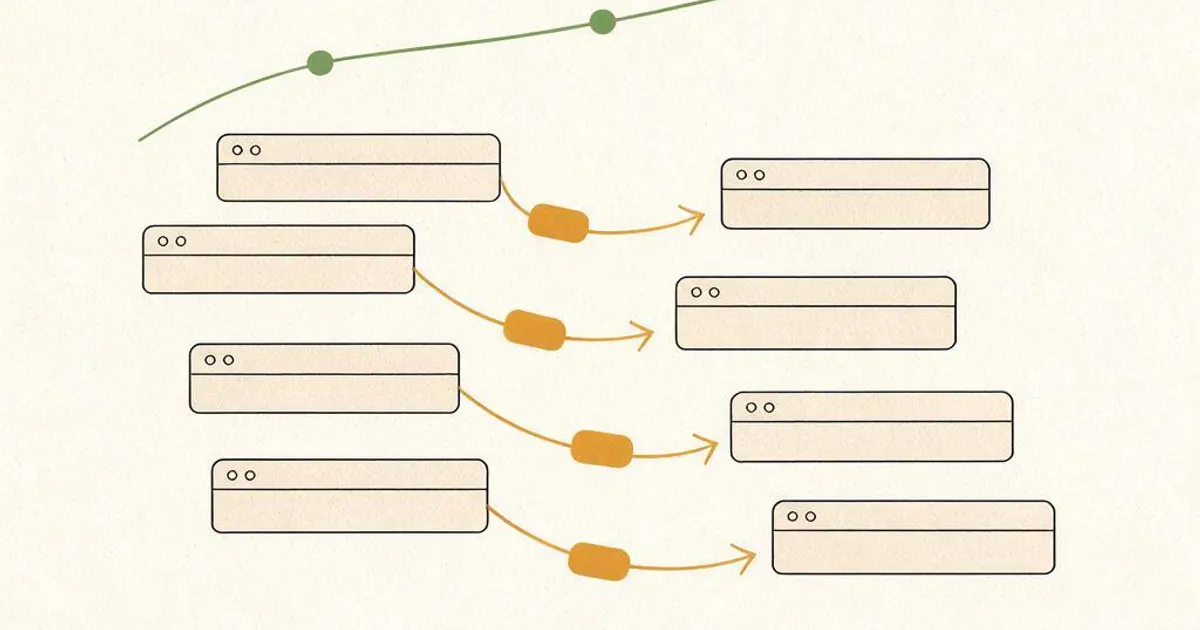
- Website redesign SEO is the work that protects rankings through a rebuild, spanning before, during, and after launch.
- Almost every post-redesign traffic loss traces to one of three causes: missing 301 redirects, cut content, or a slower site.
- The single most important step is a complete redirect map from every old URL to its new home, live the moment the new site is.
- Post-launch monitoring in Search Console matters as much as pre-launch prep. A real drop lasting past 4 to 6 weeks needs diagnosis, not patience.
What is website redesign SEO?
Website redesign SEO is the set of steps that protect and improve your search rankings while you rebuild a site, covering the work before, during, and after launch. It's the difference between a redesign that holds its traffic and one that quietly tanks it.
Every established site carries ranking equity: the authority, backlinks, and keyword positions it has earned over time. A redesign touches URLs, content, structure, and speed, which are exactly the things Google uses to rank you. Website redesign SEO is the discipline of changing the site's look and structure without throwing that equity away. This is a core part of how we approach a WordPress redesign, and it's why the SEO plan gets built before a single new page goes live. If you want the broader planning view first, start with our guide to small business website redesign, then use this checklist for the SEO side.
Why do redesigns lose rankings?
Redesigns lose rankings for three reasons: missing redirects, cut content, and a slower site. Nearly every horror story you've heard traces back to one of these, and all three are preventable.
The first and most common is URL changes with no redirects. When a page's address changes and nothing points the old one to the new, that page returns a 404 and every backlink and ranking aimed at it is lost. The second is cutting content that ranks, often by accident, when pages get merged or trimmed without checking what they earned. The third is a new site that's slower or breaks on mobile, which Google reads as a downgrade. Notice that none of these are about design taste. They're technical, which means a checklist catches them before they cost you anything. It's worth saying why this matters so much: a page that has ranked for a year has earned trust that Google won't hand back for free once it's lost. Recovering a dropped ranking takes far longer than protecting it did, and sometimes a competitor has taken the spot by the time you notice. That asymmetry is the whole reason redesign SEO is done up front rather than patched afterward. You aren't chasing a small optimization, you're defending traffic that's already paying for itself.

The pre-launch website redesign SEO checklist
Before the new site goes live, benchmark your current performance, inventory what ranks, and build a complete redirect map. This is where redesign SEO is won or lost, and it's work you can't do after launch because the old data is gone the moment the site changes.
- Benchmark current rankings and traffic. Export your top pages, keywords, and positions so you have a baseline to compare against after launch.
- Crawl the existing site to capture every live URL, so nothing gets missed in the redirect map.
- Inventory ranking content. Flag the pages driving traffic and links so they're preserved, not quietly cut.
- Build the 301 redirect map. Map every old URL to its closest new equivalent. This is the most important step of the whole process.
- Keep your best content and metadata. Titles, headings, and body copy that already rank should carry over, improved rather than replaced wholesale.
Build-time SEO: what to get right during the redesign
While the new site is being built, keep the staging site out of Google's index, match on-page elements, and make speed a target rather than an afterthought. Small misses here become live problems later.
The staging or development site must carry a noindex tag or password so Google never indexes a half-built duplicate, and that tag must be removed at launch. On-page elements like title tags, headings, and internal links should be planned to at least match the old site on your ranking pages. Speed deserves real attention: a redesign is the perfect moment to make the site faster with clean code and optimized images rather than a pile of plugins. For deeper technical review on larger sites, a standalone SEO audit catches issues a visual review would miss, and structured data should be rebuilt so your new site keeps its rich-result eligibility. It also pays to keep your image filenames and alt text meaningful during the rebuild, since image search sends real traffic that's easy to drop when assets get renamed to generic strings. And don't forget internal links: the new navigation and in-content links are how Google understands your site's structure, so a page that lost half its internal links in the redesign will often slide even if its own URL is fine. These smaller signals rarely sink a site on their own, but together they're the difference between a redesign that holds flat and one that quietly climbs.
Launch-day SEO steps
On launch day, push the redirects live, remove the staging noindex, submit the new sitemap, and confirm Google can crawl the site. These happen in a tight window, so a written runbook keeps them in order.
- Activate every 301 redirect the moment the new site goes live, then spot-check the important ones by hand.
- Remove the staging noindex tag and confirm robots.txt isn't blocking anything it shouldn't.
- Submit the updated XML sitemap in Google Search Console so the new URLs get discovered fast.
- Request indexing on your most important pages to speed up recrawling.
- Crawl the live site to catch any 404s, redirect chains, or broken internal links before Google does.
Want your rankings protected through a redesign?
Free 45-minute call. We'll review your current rankings and tell you exactly what a safe redesign needs to preserve. No pitch.
After launch: monitoring your redesign SEO
For the first 30 to 90 days, watch Search Console for crawl errors and ranking changes, and fix any real drop fast rather than waiting it out. A redesign isn't finished at go-live.
A small dip in the first week or two is normal while Google reprocesses your URLs. What you're watching for is a real, sustained drop. Check the Coverage and Pages reports for new 404s or excluded pages, compare rankings against your pre-launch benchmark, and confirm redirects are still resolving cleanly. If a drop lasts beyond four to six weeks, something is wrong, usually a missed redirect, a leftover noindex, or lost content, and it needs active diagnosis. Sites that treat the post-launch month as part of the project recover cleanly. The ones that walk away at launch are the ones that discover the damage months later, once it's much harder to trace. A practical rhythm helps here: check Search Console daily for the first week, then a couple of times a week through the first month, then weekly. You're not looking for perfection, you're looking for a trend line that holds steady or climbs. If it does, you've done the job. If it dips and keeps dipping, you've caught the problem while it's still cheap to fix, which is exactly what the monitoring window is for.
Should you handle redesign SEO yourself or hire it out?
Handle it yourself on a small site if you're comfortable with redirects and Search Console. Hire it out once real ranking equity or a platform migration is on the line. The stakes scale with your traffic.
For a handful of pages with a simple URL structure, a careful owner can map redirects, remove staging tags, and monitor recovery. But as a site grows in pages, backlinks, and traffic, a single missed redirect gets expensive, and a full platform migration multiplies the risk. That's where a specialist earns the fee, owning the redirect map, technical setup, and the post-launch watch. Our redesign service builds SEO preservation into every project, and for a rankings-first review before you commit, the cost of getting it right is far lower than the cost of rebuilding lost traffic. Many owners do the easy parts and hand over only the migration.
Frequently asked questions about website redesign SEO
What is website redesign SEO?
Website redesign SEO is the set of steps that protect and improve your search rankings while you rebuild a site. It covers the work before, during, and after launch: benchmarking current rankings, building a 301 redirect map from every old URL to its new home, keeping the content and pages that already rank, matching or improving page speed, and monitoring Google Search Console after go-live to catch any drops fast. Skip it and a redesign can erase years of ranking equity overnight. Done properly, the new site holds its traffic and often gains.
Why did my rankings drop after a website redesign?
The usual culprits are missing redirects, cut content, and a slower site. When URLs change and no 301 redirect points the old address to the new one, every link and ranking hitting that page dies. When pages that quietly ranked get deleted or merged without care, their keywords vanish. And when the new build loads slower or breaks on mobile, Google reads that as a downgrade. Nearly every post-redesign traffic loss traces back to one of these three, and all three are preventable with a checklist followed before launch.
Do I need redirects when I redesign my website?
Yes, if any URLs change you need 301 redirects, and this is the most important single step in redesign SEO. A 301 tells Google a page has permanently moved and passes most of its ranking value to the new URL. Without it, the old address returns a 404, and every backlink and ranking pointing at it is wasted. Before launch you build a complete map of every old URL to its new destination, then implement those redirects so they go live the moment the new site does. Even URLs that look unchanged should be checked for trailing-slash or case differences.
How long after a redesign do rankings recover?
If redirects and content are handled correctly, most sites see little to no drop and stabilize within two to four weeks as Google recrawls the new URLs. A small temporary dip in the first week or two is normal while Google reprocesses the site. If a real drop lasts beyond four to six weeks, something is wrong, usually a missed redirect, a noindex tag left on from staging, or lost content, and it needs diagnosis rather than waiting. This is why post-launch monitoring in Search Console matters as much as the pre-launch prep.
Can I redesign my website without losing SEO myself?
You can if the site is small and you're comfortable with redirects, Search Console, and technical checks. For a handful of pages with no complex URL structure, a careful owner can map redirects and monitor recovery. The risk rises with site size, backlink value, and traffic: once real ranking equity is on the line, a missed redirect can be an expensive mistake. Many owners handle a simple redesign themselves and bring in a specialist for larger sites or when a migration to a new platform is involved.
Upcoming Brand | Redesign SEO for Maryland businesses and US-wide remote clients
We handle website redesigns with full SEO preservation across Baltimore, Annapolis, Frederick, Rockville, and the US, delivered remotely via Zoom and async updates. Every project includes a complete 301 redirect map, staging controls, and a post-launch monitoring window. Book a free discovery call or email hello@upcomingbrand.com.
Redesign without losing a single ranking
WordPress redesign from $2,500: redirect map, staging controls, technical SEO, and a post-launch watch built into every build.